
Webinars for Entrepreneurs
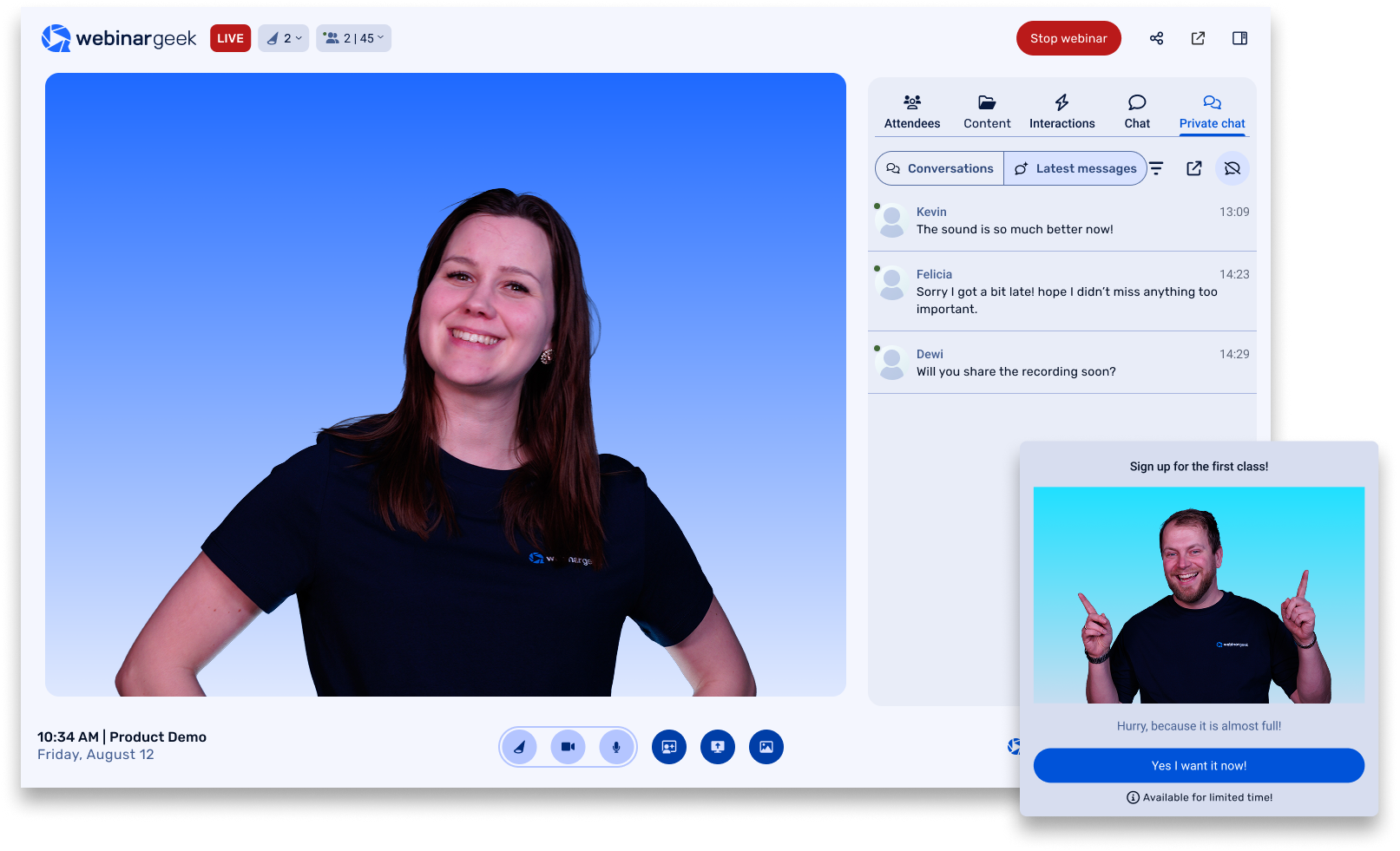
WebinarGeek is smart webinar software with powerful marketing tools. Build real relationships with your leads, prospects or clients on a large scale.
Business institutions who are already working with us:



Share your message with the world
Impress your viewers by sharing content that ensures that your message gets across and stays with the audience. Create high quality and interesting content that will drive leads.
Start free trial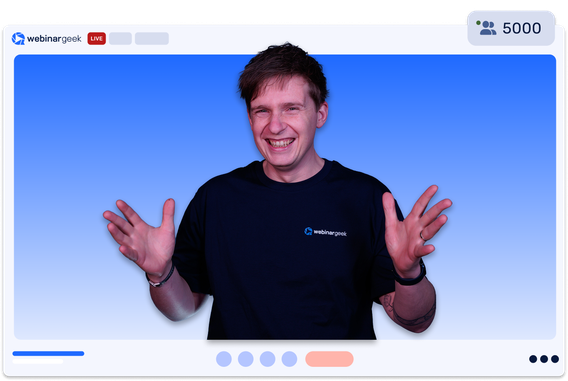
Increase your reach
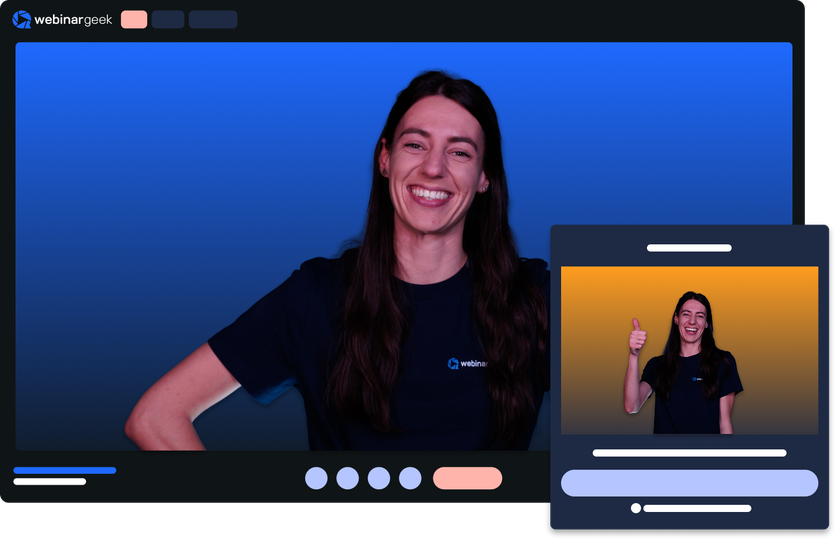
Reach a big audience with webinars. Every lead can eagerly join in your webinar in a very accessible way. Watch the webinar, anywhere and anytime.
Start free trial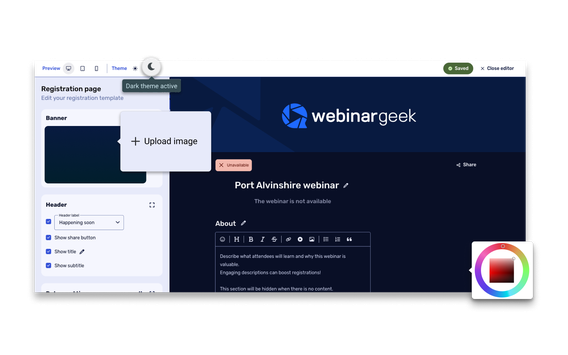
Easy to use webinar software
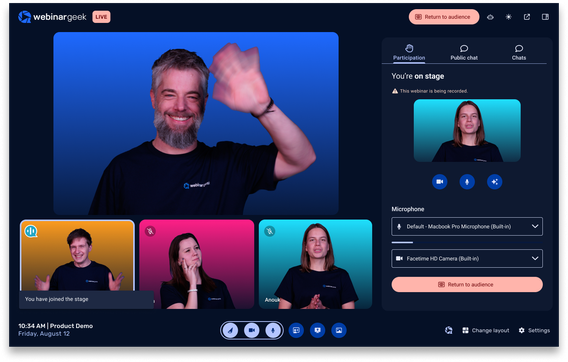
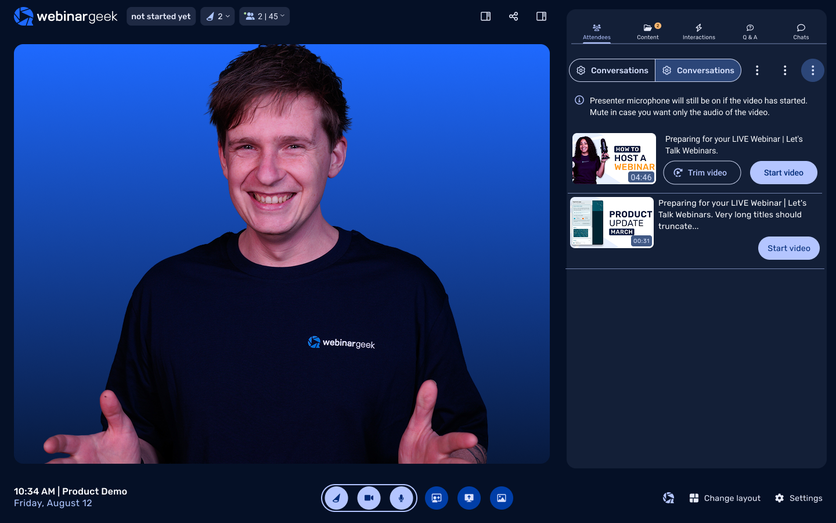
No need to be a tech savvy geek, everyone can host webinars with WebinarGeek. Follow the easy steps of our Webinar Wizard and set up webinars in just 5 minutes. Time efficiency at its finest and low costs.
Watch the product demo


Experience the power of our webinar software
Charts that you understand
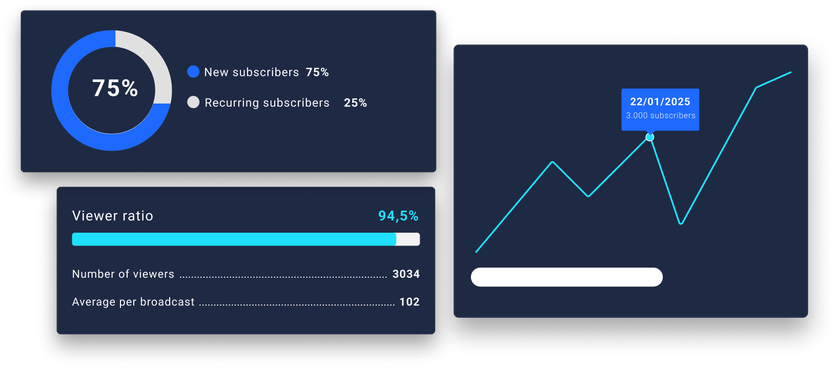
WebinarGeek provides data that's easy to understand. It allows you to monitor processes to make your next webinar even better and to optimize your marketing strategy.
Charts that you understand
WebinarGeek provides data that's easy to understand. It allows you to monitor processes to make your next webinar even better and to optimize your marketing strategy.
Discover the workplace efficiency experts that switched from Zoom to WebinarGeek
Helping individuals work smarter, Caveday brings the coworking community to remote workers with immersive work sessions designed to build focus, accountability, and creativity.
Entrepreneur webinar FAQs
Grow your business, engage customers and scale with WebinarGeek
How long should a webinar be for entrepreneurs?
Aim for 45 minutes of content plus 10 to 15 minutes for live Q&A. After 50 minutes, attention spans drop sharply based on data from thousands of WebinarGeek sessions. The 45+15 format keeps your energy up, your audience engaged, and leaves time for interaction without losing viewers.
How do you keep viewers engaged during a webinar?
Engage every 6 to 8 minutes. Launch a poll, ask for chat reactions, trigger emoji feedback, or give a shout-out. Webinars with live Q&A, interactions, and downloadable resources have higher watch time and conversion. Proven by 81% of WebinarGeek hosts.
What’s the ideal tech setup for a polished webinar?
You don’t need a studio, just the right gear:
Camera: 1080p or 4K webcam like the Logitech C922
Microphone: USB mic like the Blue Yeti or Rode SmartLav+
Lighting: Soft ring light at a 45° angle
Internet: Wired connection with at least 10 Mbps up/down
Bonus: Rehearse your setup, slides, and framing a day before you go live.
What is the best time to host a webinar for global audiences?
Tuesday to Thursday at 15:00 UTC works best for international reach especially in B2B. For global audiences, offer a second session or enable on demand access via WebinarGeek.
What does a successful webinar follow-up look like?
Send a 7-day nurture sequence:
Right after: Thank-you email with the replay and one CTA like “Book a demo”
Day 1–2: Follow up with an email focused on the pain point you solve
Day 3–4: Share social proof like a case study or testimonial
Day 5–7: Create urgency with a deadline or bonus offer
Segment between attendees and no-shows. WebinarGeek automates it so you convert more leads with less effort.
Start with webinars for entrepeneurs
14 days free. All Premium features. No strings attached.