
Host webinars with ease
From small businesses to enterprises. From beginners to experts. WebinarGeek is the one-size-fits-all webinar platform
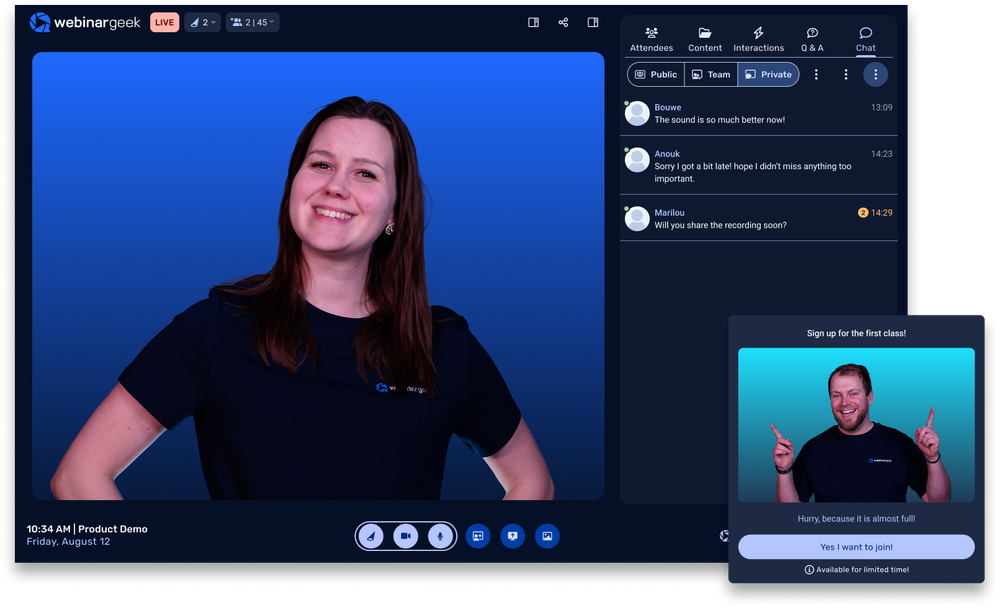
Create and share your meaningful story
Effortlessly design and launch webinars. Customize your content to bring your vision to life and captivate your audience.



Integrate instantly with your marketing tools
Seamlessly connect WebinarGeek with your favorite tools and 6,000+ other services to get the most out of your webinars.
Explore all the integrations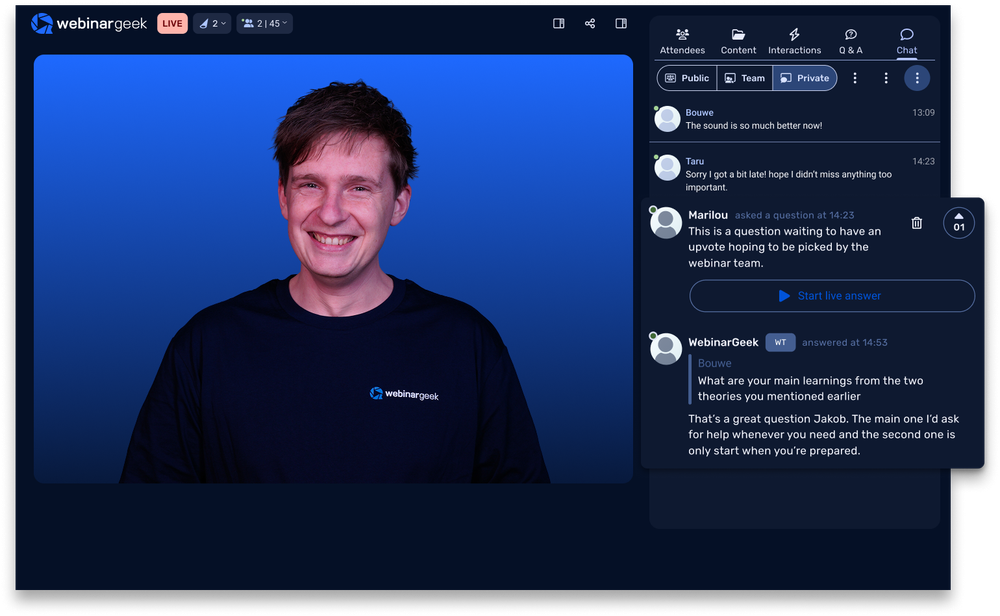
Reach your audience
Connect with a larger audience and showcase your expertise by hosting impactful webinars that engage, inform, and inspire.
The webinar software industry's top rated support


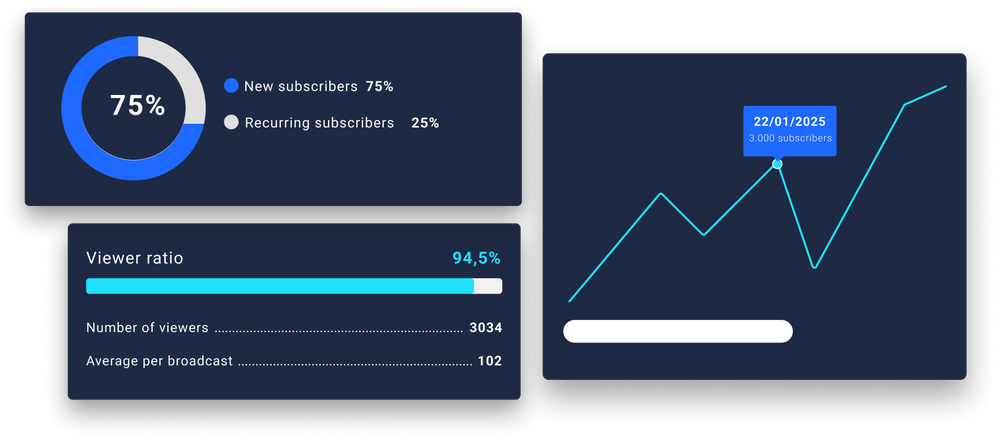
Grow your brand
Gain insights from your audience with each webinar to enhance your strategy.
Webinar platform, packed with features
Suitable from startups, to big organizations – tailored for any businesses


FAQ
What types of webinars can I host with WebinarGeek?
How to use webinar software?
Actually, it's very simple!
Start by creating an account, then schedule your webinar and customize your registration page. During the event, stream live or automated video, engage with your audience through tools like polls, Q&A, and chat, and share your screen for presentations. Afterward, access detailed analytics to measure engagement and follow up with attendees.
Is any software download required to host or watch a WebinarGeek webinar?
No, everything runs smoothly in your browser for both organizers and viewers. No downloads, no hassle.
What integrations are available with other marketing tools?
WebinarGeek integrates with popular marketing tools like Mailchimp, HubSpot, and Zapier, enabling seamless email marketing and CRM management.
You can also connect with social media platforms like Facebook and LinkedIn for easy promotion. These integrations help streamline your processes, manage contacts, and enhance performance analysis.
For more details on available integrations, visit here.
Does WebinarGeek support co-presenting and bringing guests on stage?
Absolutely. You can invite teammates as co-hosts and even bring viewers on stage for more interactive sessions.
Does WebinarGeek include AI features to improve my webinars?
Yes. AI-driven insights help you understand your audience better and optimize your content for more successful webinars.
Is WebinarGeek suitable for businesses of all sizes?
Whether you’re a small startup or a large enterprise, the platform offers flexible features that can be tailored to meet diverse needs. Its user-friendly interface and robust tools make it easy for any organization to create and manage engaging webinars, enhancing communication and marketing efforts.
Find more insights on our pricing page.
What is webinar software?
Webinar software is an online platform for hosting live or automated events. It includes features like video streaming, audience interaction (Q&A, polls), and analytics to track engagement. Businesses use it for marketing, training, and presentations to connect with remote audiences.
Want to know more about WebinarGeek?
14 days free. All Premium features. No strings attached.