
Use webinars for internal communication
Connect with your coworkers from any location or device for internal communication.
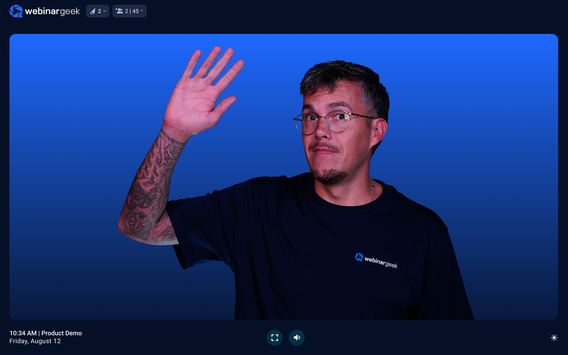
Easy to use webinar software
Reaching your entire audience in just one go, in a very easy way. You may now be thinking: "but isn't it very difficult to make a webinar?" The answer to that question is very simple: "no!" Our software is designed in such a way that it is easy to use for everyone.
Thanks to the intuitive process, you can create your own webinar in an instant with all the parts you want to use!
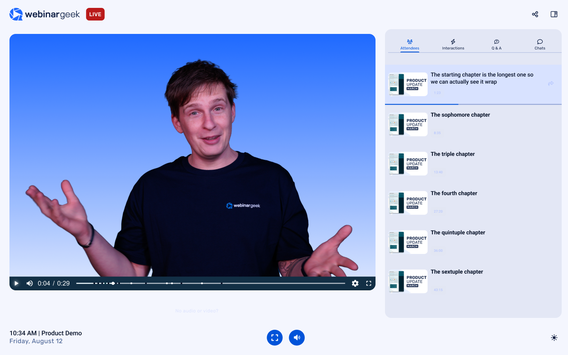
Onboarding new employees
Easily take large(r) groups of new employees through your onboarding process in just one go. Introduce them to the systems you use, take them through the house rules and other matters that are important to every employee who starts to work for you.
Start free trial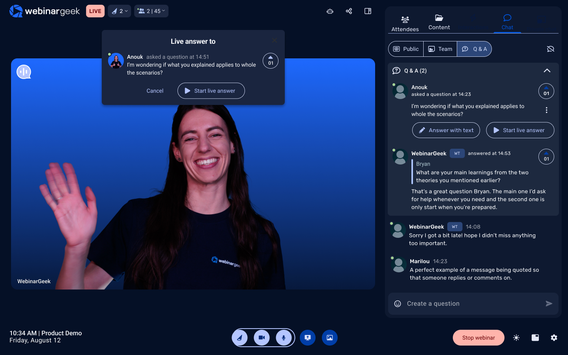
Collect feedback
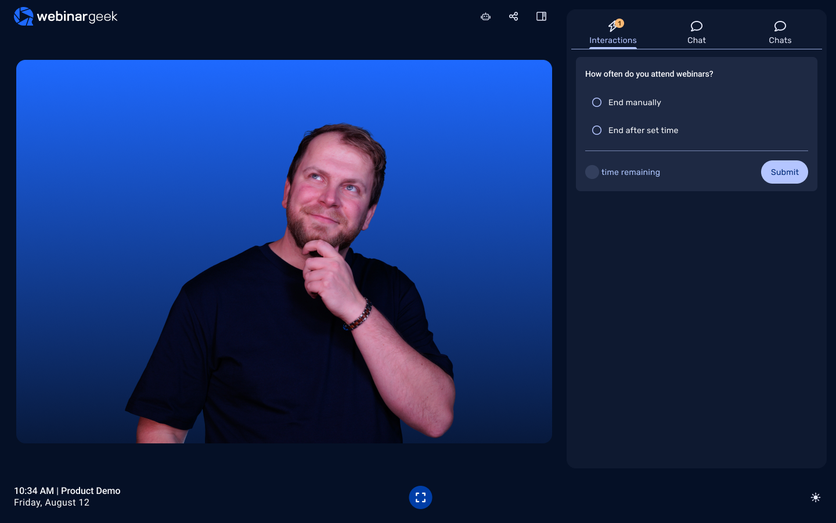
Get to know your employees. Not everyone has the possibility to immediately provide feedback about certain workflows or processes in the organization. With a webinar and interactions such as the poll, you can easily measure the satisfaction of your employees and collect feedback about company workflows.
Start free trial


Make webinars part of the internal communication
Never miss a recording
Even if a number of employees are unable to be present at the time of broadcast, you can easily make a replay available so that they still don't have to miss your message.
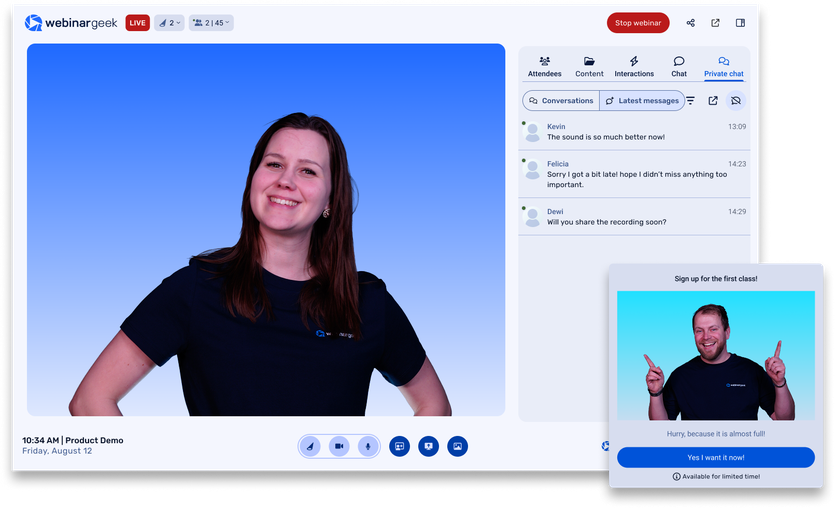
Never miss a recording
Even if a number of employees are unable to be present at the time of broadcast, you can easily make a replay available so that they still don't have to miss your message.
An approach to shareholder engagement
Bekaert walks us through how they’ve effectively leveraged webinars to connect with shareholders and uphold a commitment to transparency.


Internal communication webinar FAQs
Align, engage and inform with WebinarGeek
How can webinars make it effortless to broadcast company-wide announcements to employees working from any location or device?
With webinars, there’s no need for everyone to gather in the same room or even be online at the same time. You just set up your session, send the link, and employees can join live or watch the recording later from their phone, laptop, or tablet. It’s one link, zero fuss, and 100% reach.
What built-in tools (registration, branding, moderation, analytics, etc.) keep internal webinars simple to set up and run, even for non-technical teams?
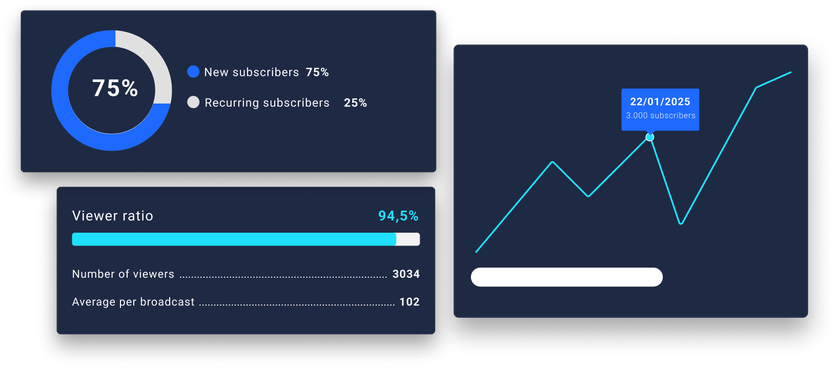
WebinarGeek comes ready with smart tools that handle the heavy lifting. Custom registration pages? Check. Branded templates? Done. Need to moderate the chat or assign co-hosts? Easy. And once it’s over, detailed analytics help you measure impact, all without needing IT support.
In what ways do live or on-demand webinars accelerate and standardize the onboarding experience for new hires?
New hires can join a live welcome session or replay it later, no scheduling headaches, no missed info. You can reuse the same onboarding flow every time, so everyone gets the same warm welcome and key info, no matter when they start.
Which interactive features (polls, Q&A, chat, surveys) help HR and leadership gather real-time feedback and measure employee sentiment during the session?
Want to know how people are feeling or what they’re thinking? Just ask. Use polls to take the temperature, Q&A to answer burning questions, chat to keep things lively, and surveys to gather honest feedback at the end.
How do automated replays and recordings ensure that anyone who missed the live presentation can still catch up, without extra effort from the organiser?
The second your live webinar ends, the recording is ready automatically. You don’t need to upload anything or send follow-up emails. Just share the replay link, and your audience is good to go. Even better? You can set it up to go out automatically.
Want to know more about WebinarGeek?
14 days free. All Premium features. No strings attached.